Detect Holes

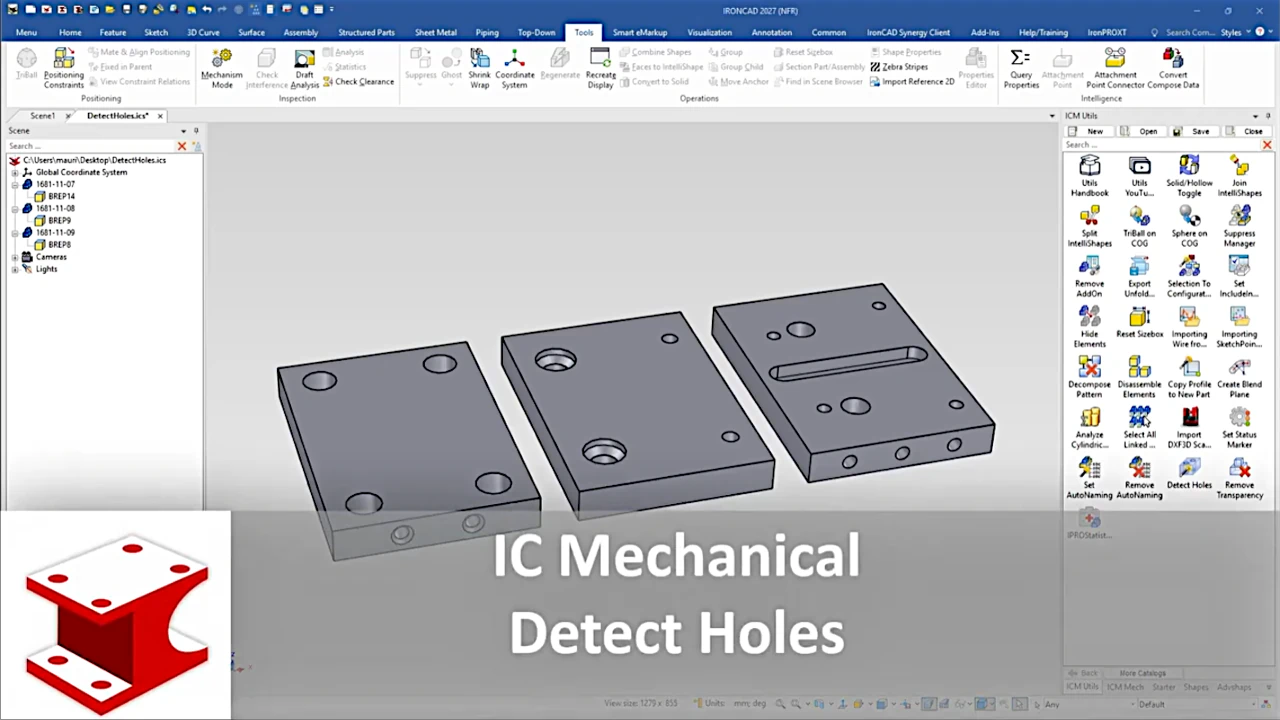
This tool detect and creates editable holes from an imported element (BREP).
Operativity
Face or Edge
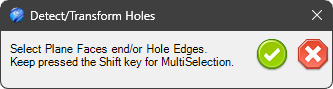
- Drag the tool into the scene and select the Faces end/or Edges of theHoles to detect them.
- By holding down the shift key, you can select multiple faces from different parts.
- Dragging the tool on a single face will detect all the holes on that face.
Part
- If you select the part and drag the tool into the scene, all holes on the selected part will be detected.
- If you drag the tool with the right mouse button on any face of the part, all holes in the part will be detected.
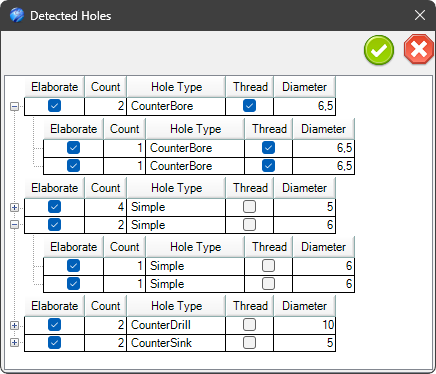
You can now select/deselect holes from the list of detected holes to convert them into editable holes, and you can also choose which of these holes should be threaded.