IPROCamera Manager

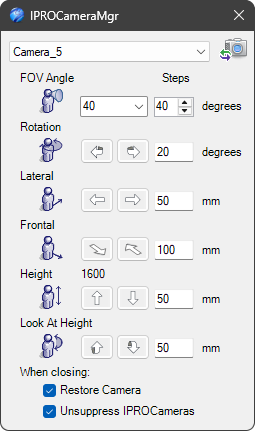
This tool is useful for managing IPROCamera, setting the FOV angle, rotation, and position of the selected camera.
Operativity
Drop the tool on the scene,
select camera from the drop-down menu:

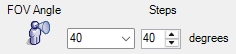
choose the correct FOV Angle (Field of View):
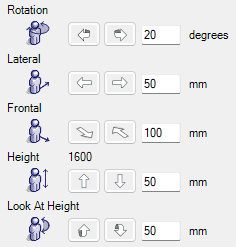
adjust the camera position.
Info
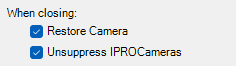
When you close the Camera Management dialog box, you can return to the previous standard view and choose to activate the display of all IPROCameras, so that you can easily reposition them with the Triball.
Tip
This tool, used with View Manager is useful to create images or view for presentations or documentation.